Screenshots
About Read My Book
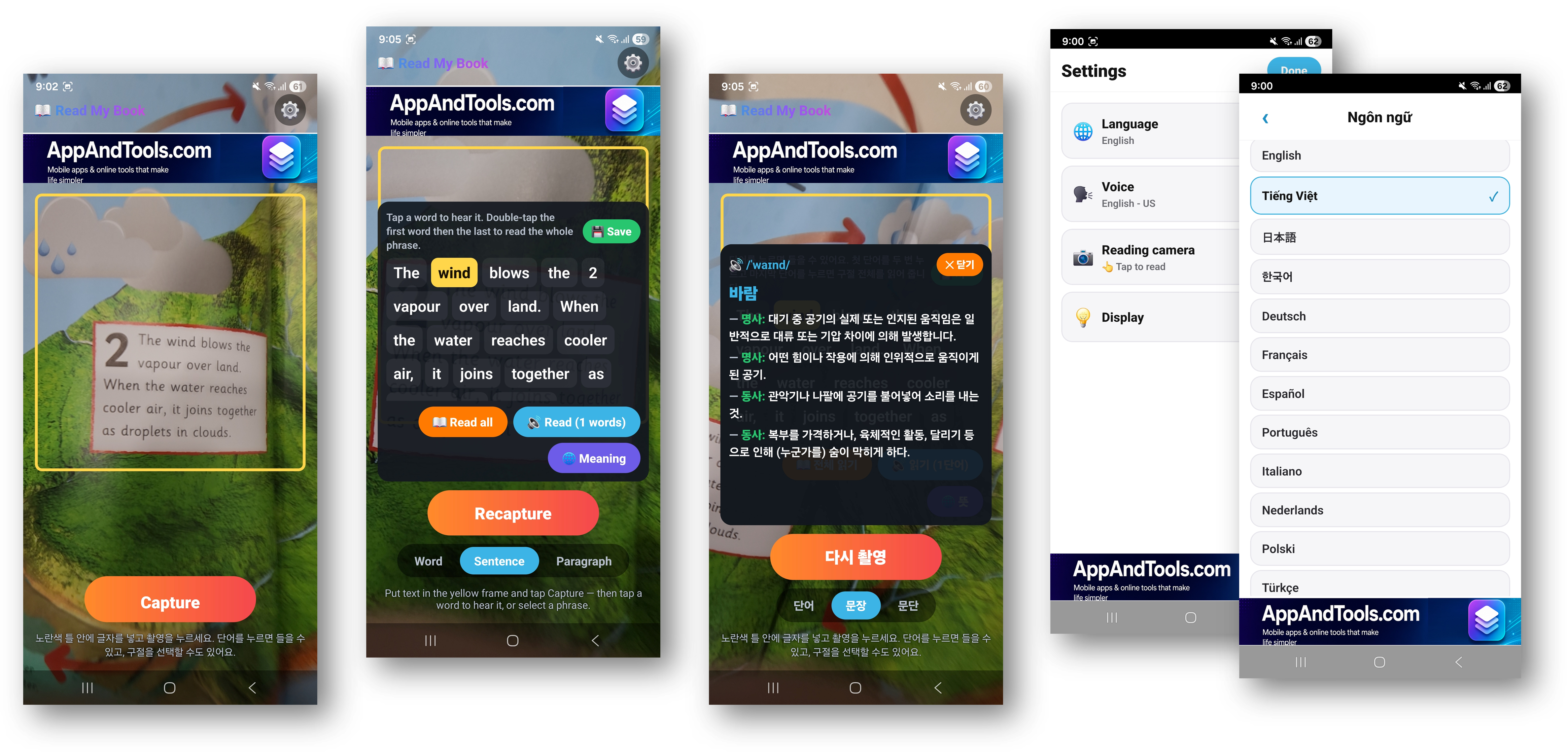
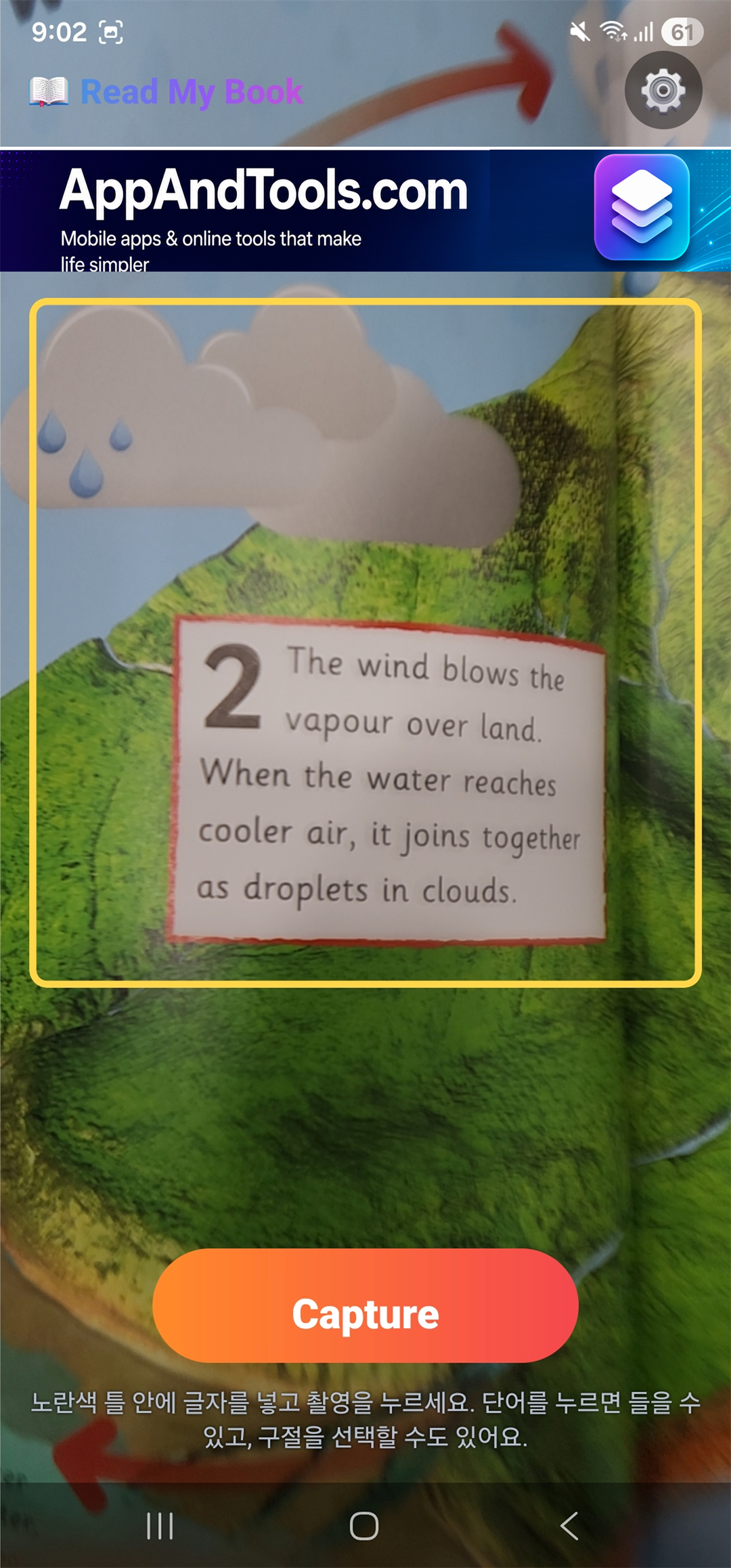
Learning to read English from a real book is hard when nobody is there to say the words out loud. Read My Book fills that gap: point your camera at a printed page, and the app recognizes the English text and reads it aloud in a clear, natural voice.
It is made for the people who read together — parents teaching a child to read, teachers, students, and anyone practising English pronunciation. No typing, no photo library to manage, no account. Aim, listen, learn.
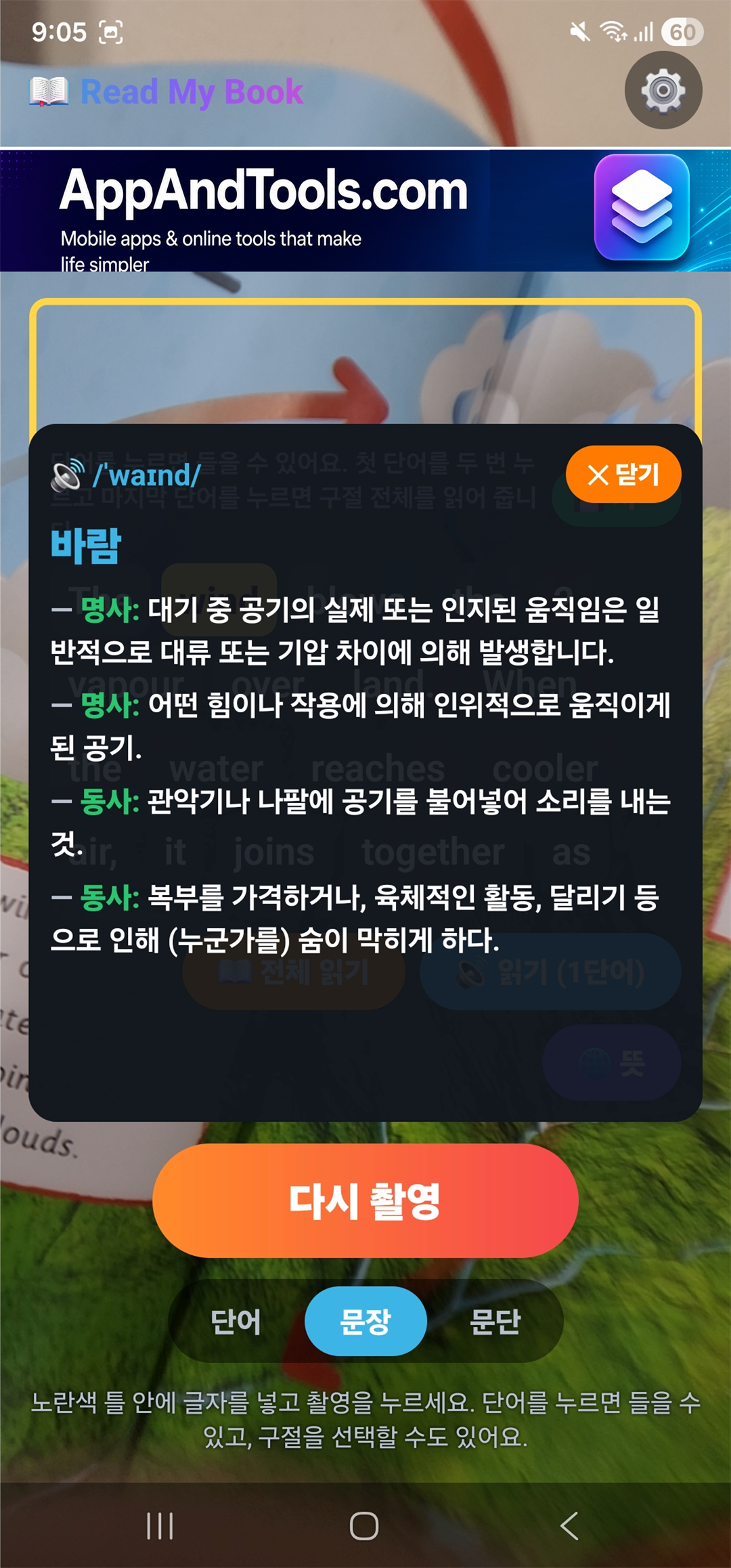
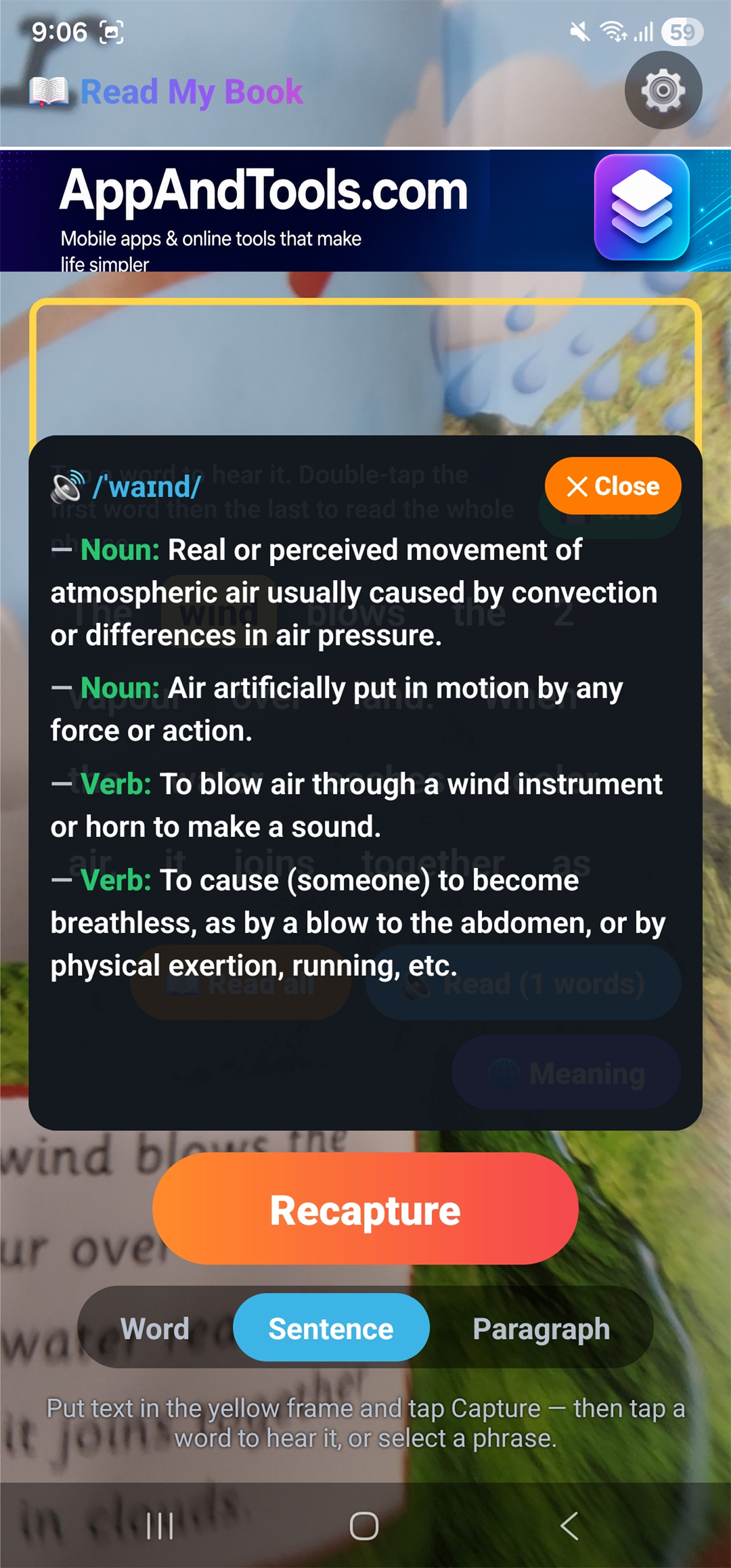
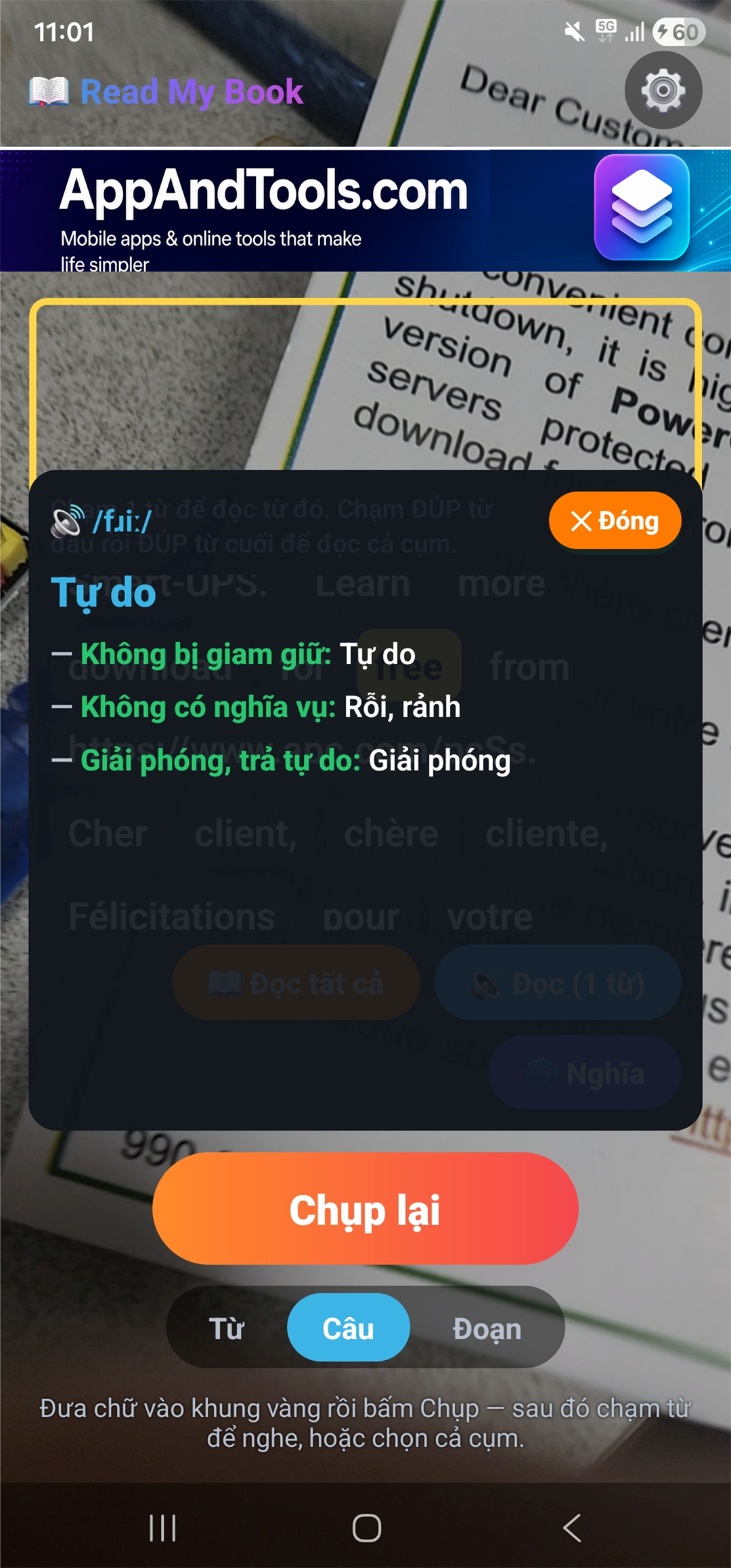
And when a word is new, tap it: you get a short translation on top, plus full dictionary definitions with the part of speech, in your own language.
How Read My Book Works
There are two ways to read, and you can switch any time.
- Scan and listen — hold the camera over a printed page. The app recognizes the English text and starts reading it aloud straight away.
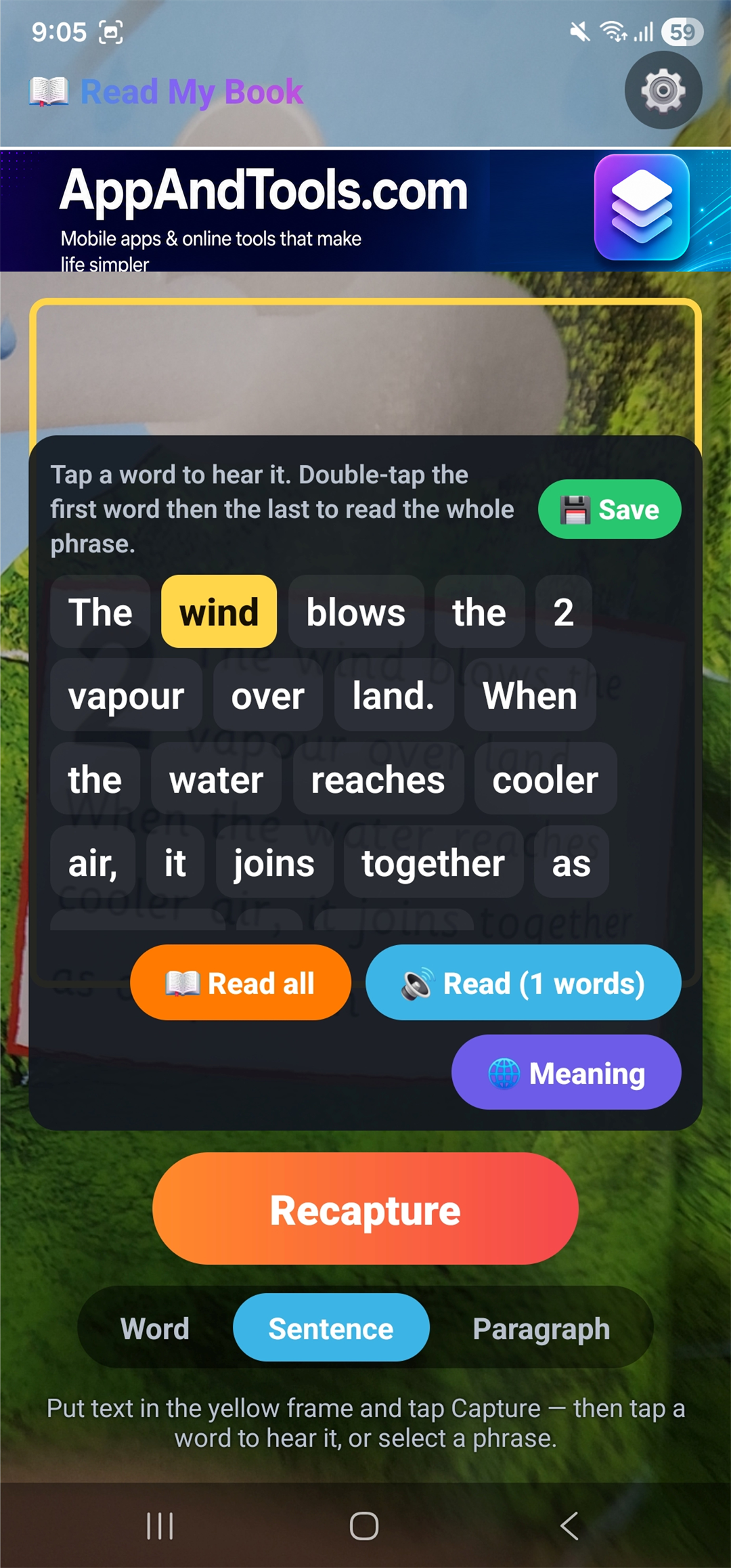
- Tap to read — capture the page, then tap a single word to hear it, or select a phrase to have it read back. Learn at your own pace, word by word.
Reading aloud and text recognition both run on your device. Only word meanings and translations need the internet.
Features
Point the camera, hear the page
Works with storybooks, textbooks and readers — no typing.
A clear, natural voice
Every word spoken clearly with your phone's built-in voices.
Choose how it sounds
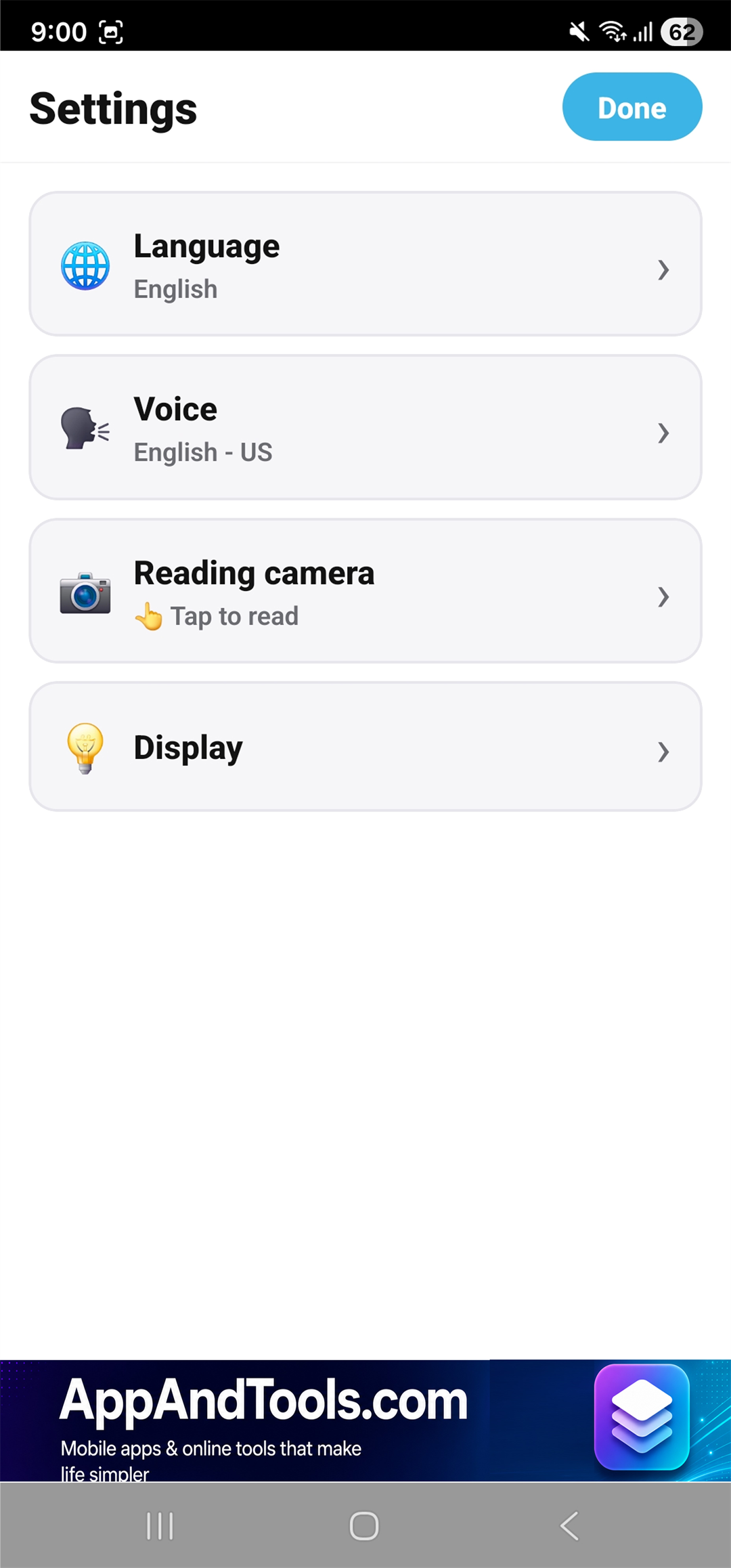
Pick a US or UK accent and set the speed: slow, medium or fast.
One word at a time
Tap a word to hear it, or select a phrase to have it read back.
Know what it means
Short translation on top, dictionary definitions with part of speech below.
Nothing is lost
Words with several meanings show them all, not just the first.
Read it again later
Keep the pages you like and come back to them any time.
Easy for everyone
A large scan frame, big friendly buttons and short, helpful hints.
Reading stays local
Text recognition and read-aloud run on the phone; page photos are never uploaded.
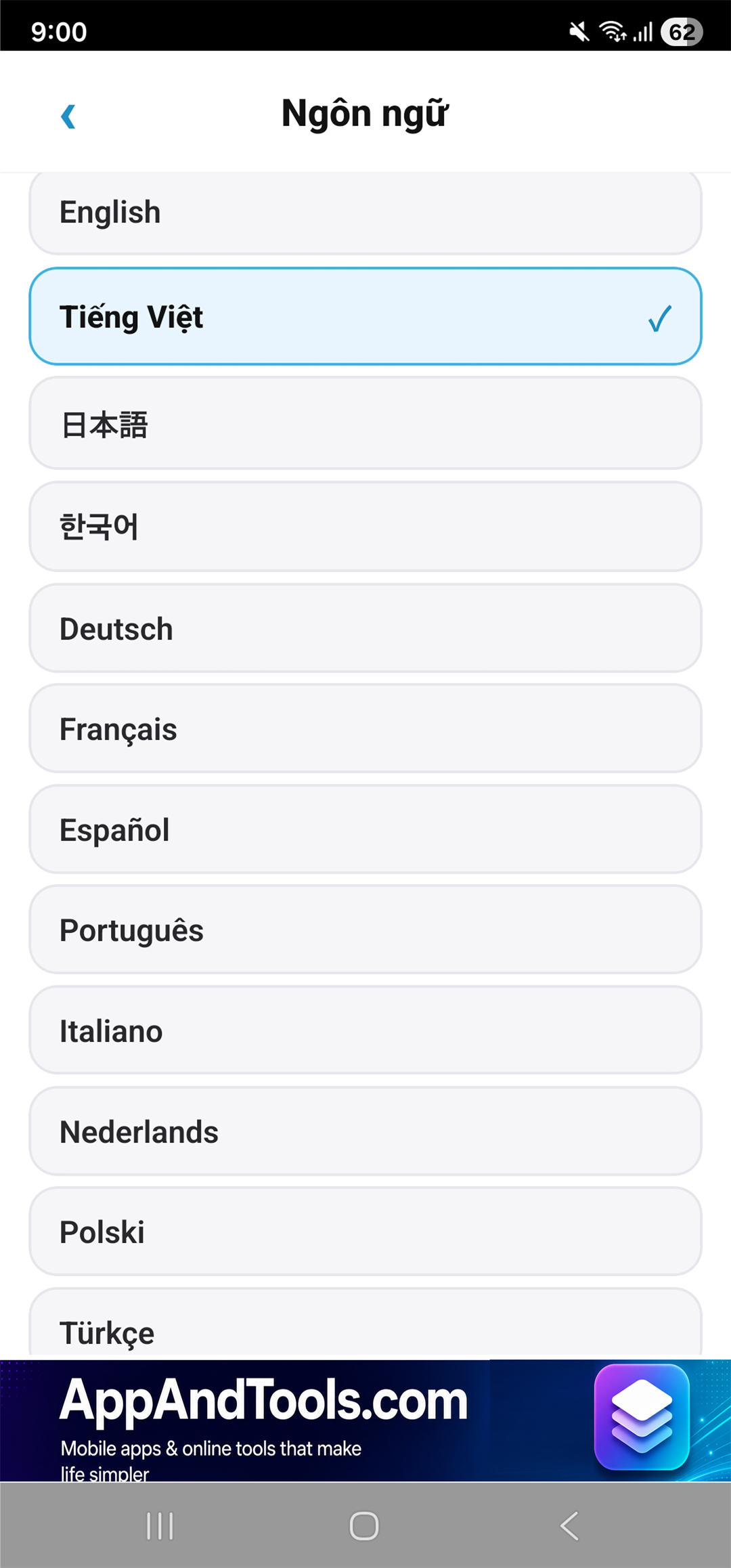
20 languages
The interface matches your phone's language automatically.
Made For Reading Together
Read My Book is built around one small moment: a child points at a word, and an adult says it out loud. When the adult is busy — or is learning English too — the app says it instead.
- A big scan frame so an unsteady hand still gets the page
- Large buttons a child can press without help
- Short hints instead of walls of instructions
- No account and no sign-up, so nothing stands between opening the app and reading
Private by Design
Photos of book pages are processed on your device to recognize the text. They are not uploaded anywhere, and the app does not keep them. There is no account, no login, and the app never asks for your name, email, phone number or location.
The words you choose to look up are sent to the translation and dictionary services so they can return a meaning — that is the only text that leaves your phone. Saved pages and settings stay on the device.
The app shows a small banner ad through Google AdMob.
Perfect For
- Parents teaching a child to read English
- Teachers and tutors working from printed readers
- Students who want to hear a textbook out loud
- Anyone practising English pronunciation from real books
- Readers who meet new words and want the meaning in their own language
Frequently Asked Questions
What is Read My Book?
Read My Book is an English book reader for your phone's camera. Point it at a printed page and the app recognizes the English text, reads it aloud, and shows any word's meaning in your language.
Do I have to type the text?
No. The app reads the page through the camera. There is nothing to type and no photos to manage.
Can I hear a single word instead of the whole page?
Yes. In tap-to-read mode you capture the page, then tap one word to hear it, or select a phrase to have it read back.
Can I choose a US or UK accent?
Yes. You can pick a US or UK accent and set the reading speed to slow, medium or fast. For the most natural sound, install a free high-quality English voice from your phone's settings.
What language are the word meanings in?
Your own. Tap a word and you get a concise translation on top, plus dictionary definitions with the part of speech, in your language. Words with several meanings show all of them.
Does it work without internet?
Reading aloud and text recognition work on your device. Word meanings and translations need an internet connection.
Are my page photos uploaded?
No. Pages are processed on your device to recognize the text, they are not uploaded, and the app does not save them.
Do I need an account?
No. There is no sign-up and no login.
What languages is the app available in?
The interface is available in 20 languages and matches your phone's language automatically: English, Vietnamese, Japanese, Korean, German, French, Spanish, Portuguese, Italian, Dutch, Polish, Turkish, Indonesian, Thai, Hindi, Swedish, Norwegian, Danish, Finnish and Czech. Reading and pronunciation are for English text.
Does the app contain ads?
Yes, a small banner ad.
How to use it
- Point the camera — hold it over a page of an English book
- Listen — the app reads the page aloud in a clear voice
- Tap a word — hear it on its own, or see its meaning in your language
- Save the page — keep the ones you like and read them again later


