Screenshots
About Bubble Note
Most note apps have the same problem: notes go in, but they never come out. Grocery lists, reminders, half-thoughts and screenshots stack up until your notes app becomes a graveyard you're afraid to open.
Bubble Note flips that. It's a private, offline note-taking app that feels like texting — jot a thought, send it like a message, and it quietly deletes itself when its time is up. You get the speed of capturing ideas without the chore of cleaning them up.
It's the self-deleting notes app for people who want to capture fast and forget about it. No account. No internet. Your data never leaves your phone.
Why "Bubble Note"?
Think of every note as a bubble. You blow it up in a second, it floats for a while — and the moment its time is up, it simply pops and disappears. No mess, nothing left behind.
That's exactly how your notes behave in Bubble Note: each one quietly vanishes when it expires, just like a bubble popping. That's how the app got its name.
How Bubble Note Works
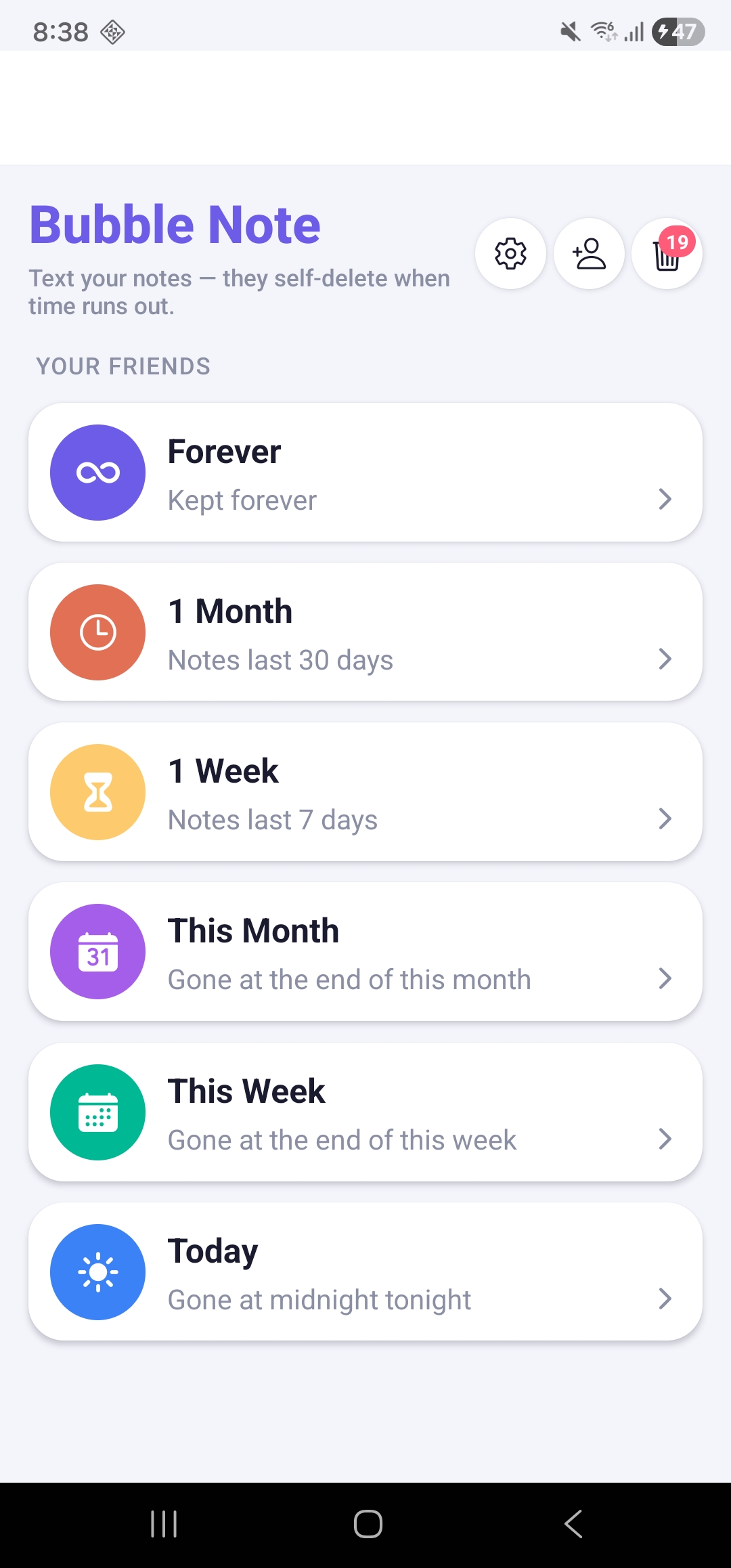
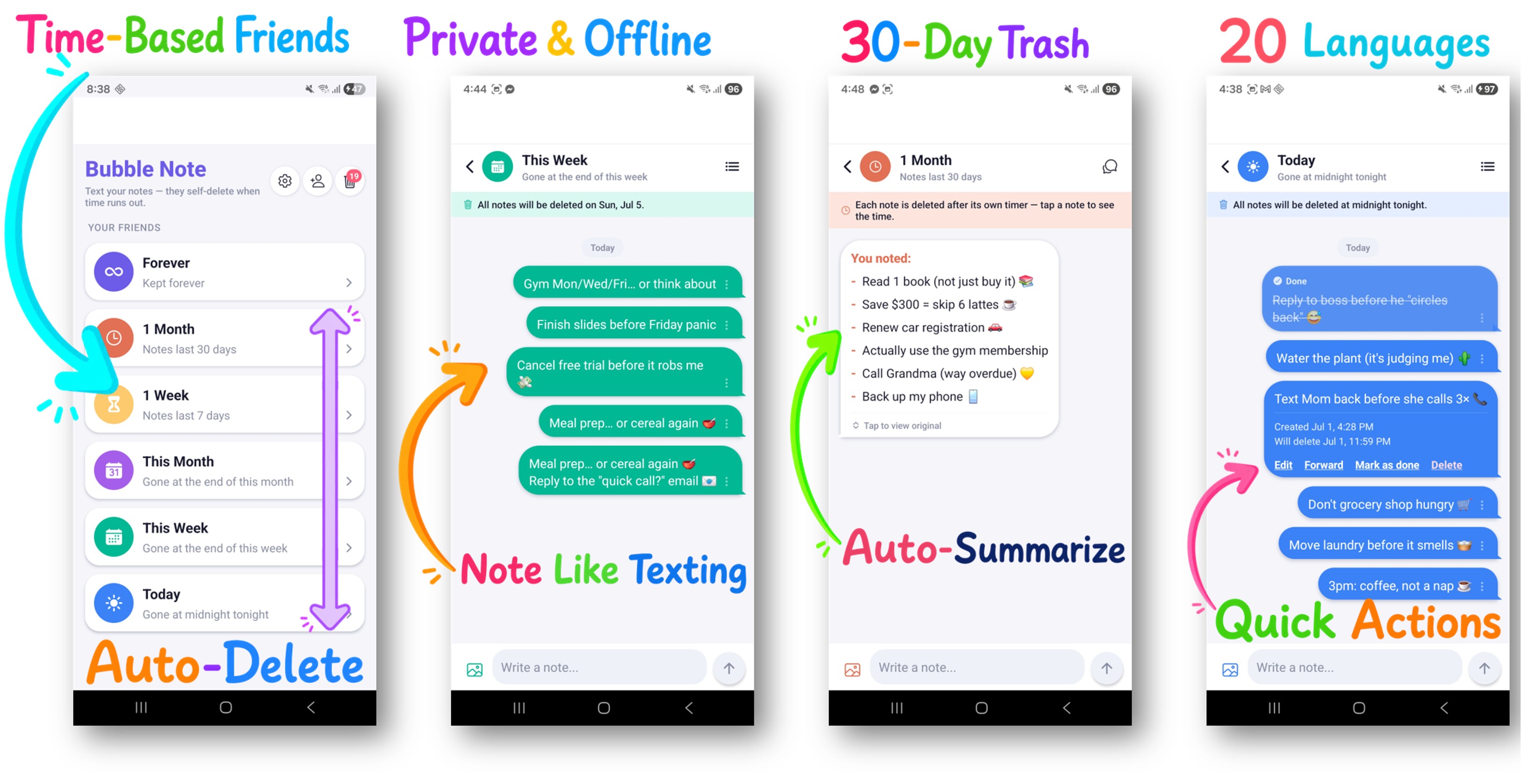
Bubble Note replaces folders with time-based "friends" — each friend represents how long a note should live. Send a note to a friend and its countdown starts the moment you hit send.
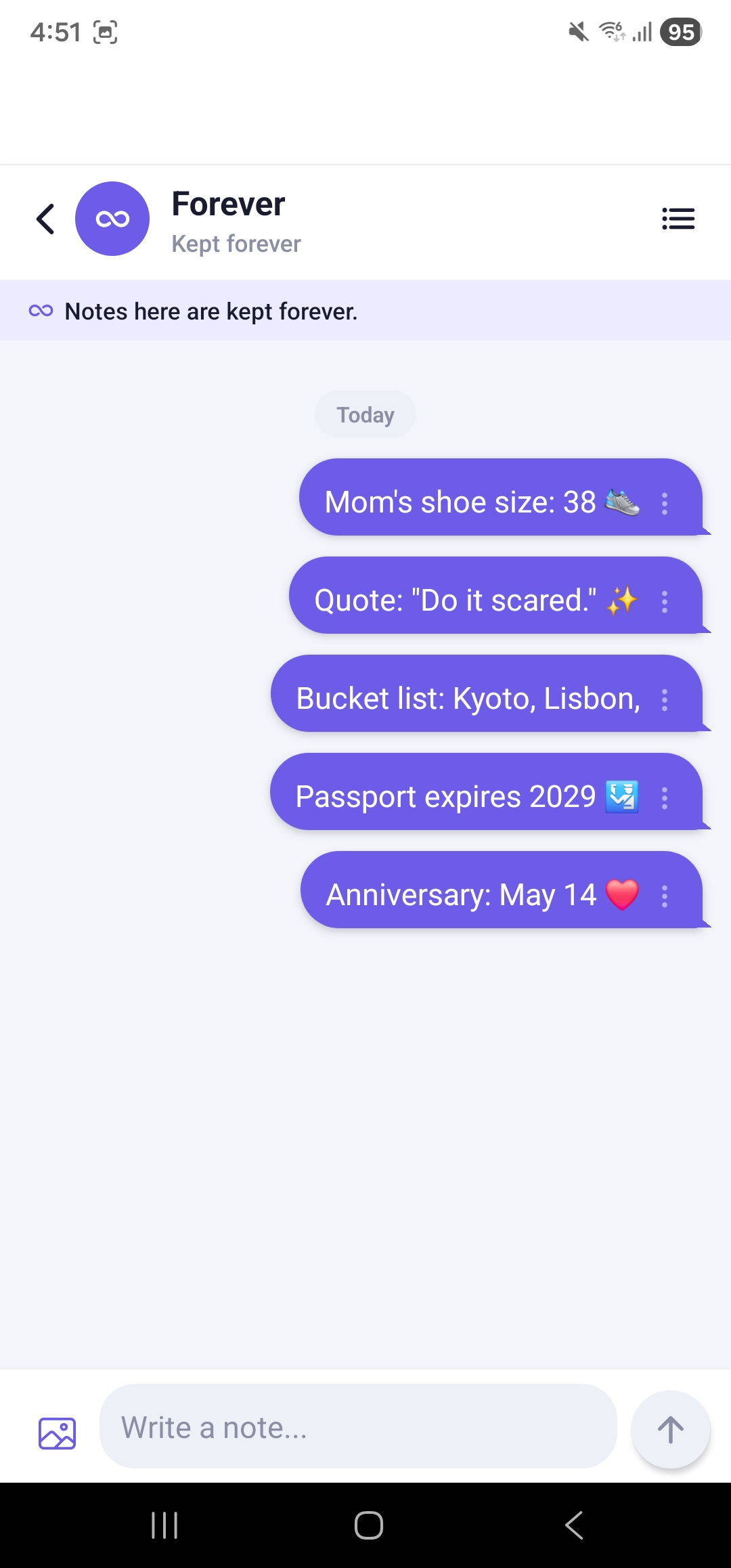
- Forever — keep it permanently
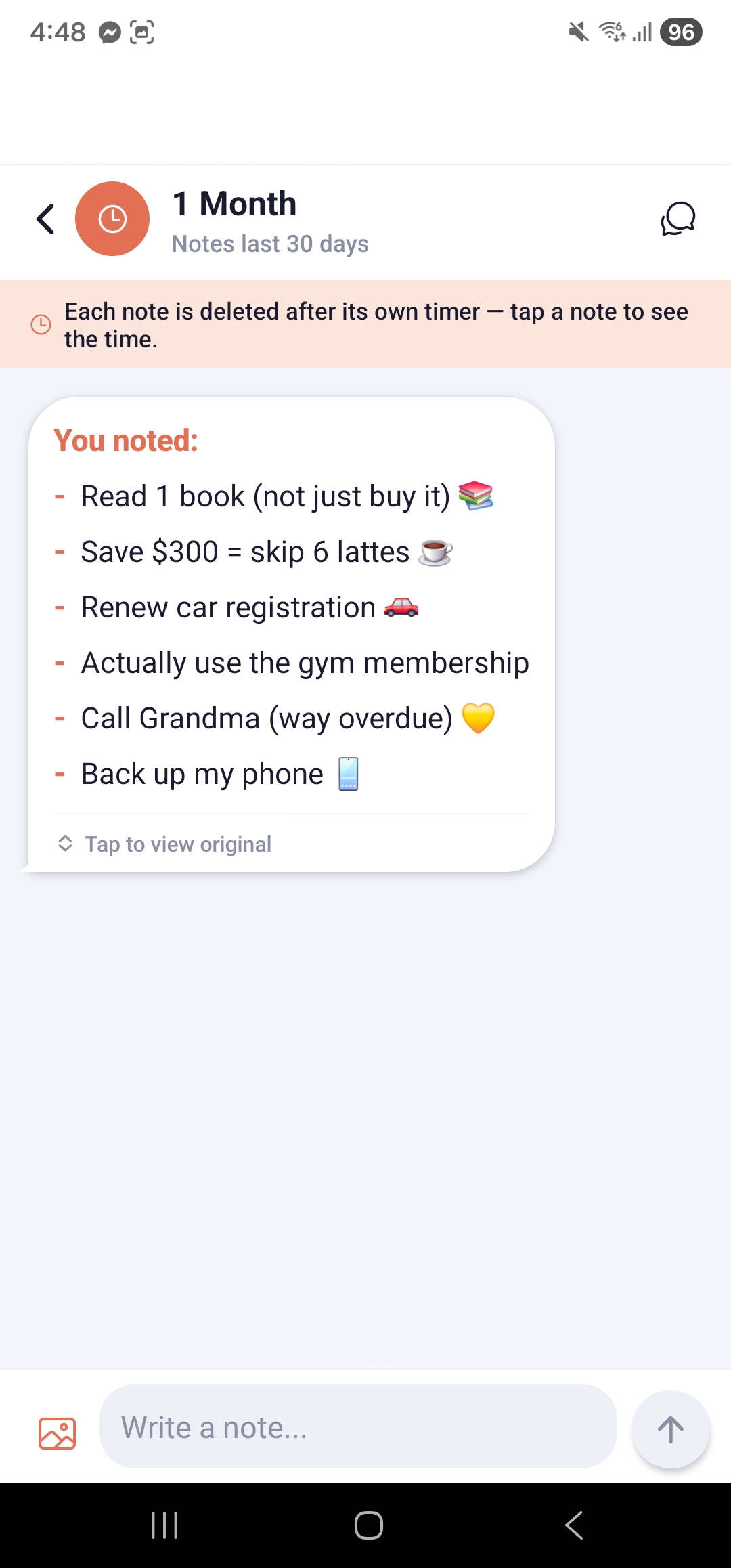
- 1 Month — disappears 30 days after you send it
- 1 Week — disappears 7 days after you send it
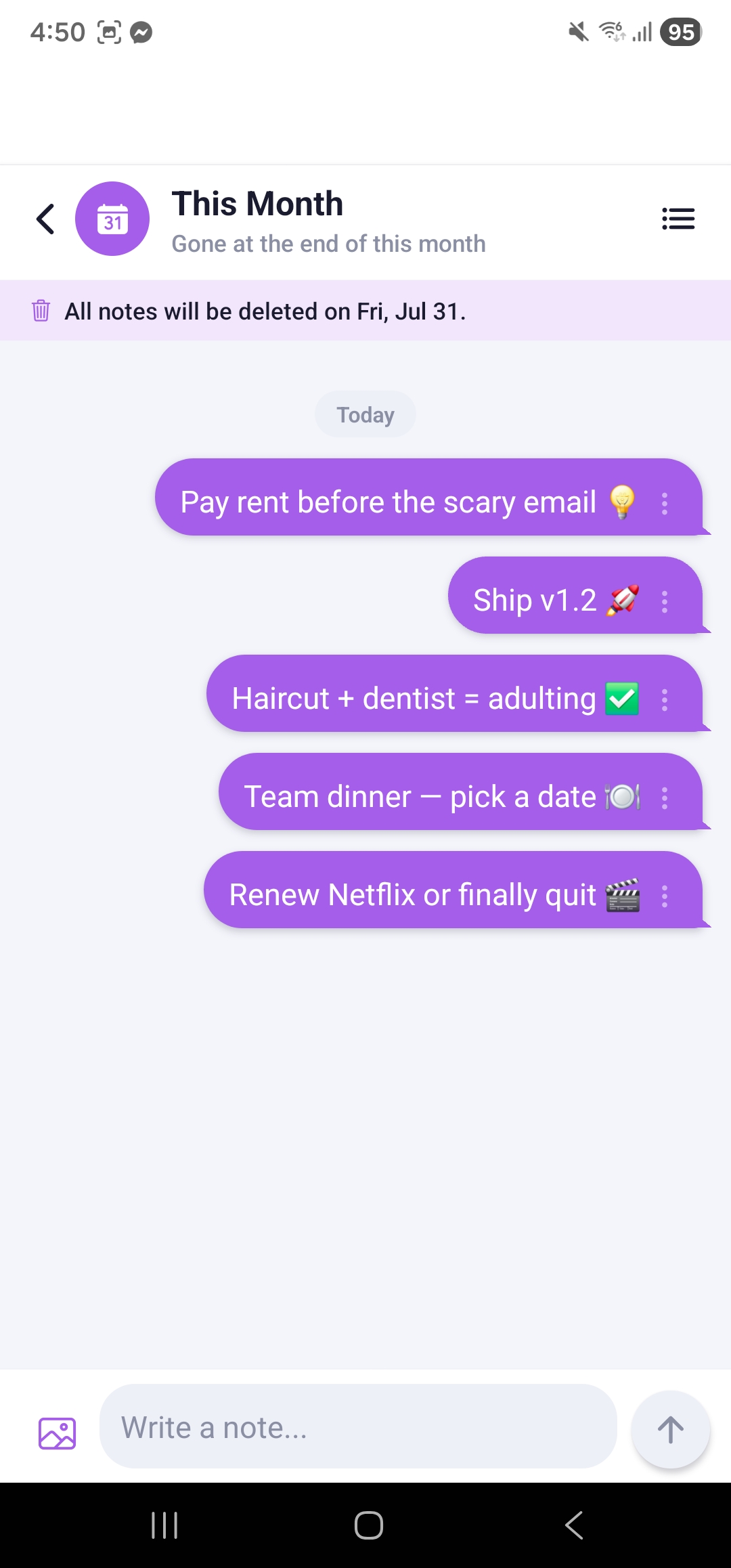
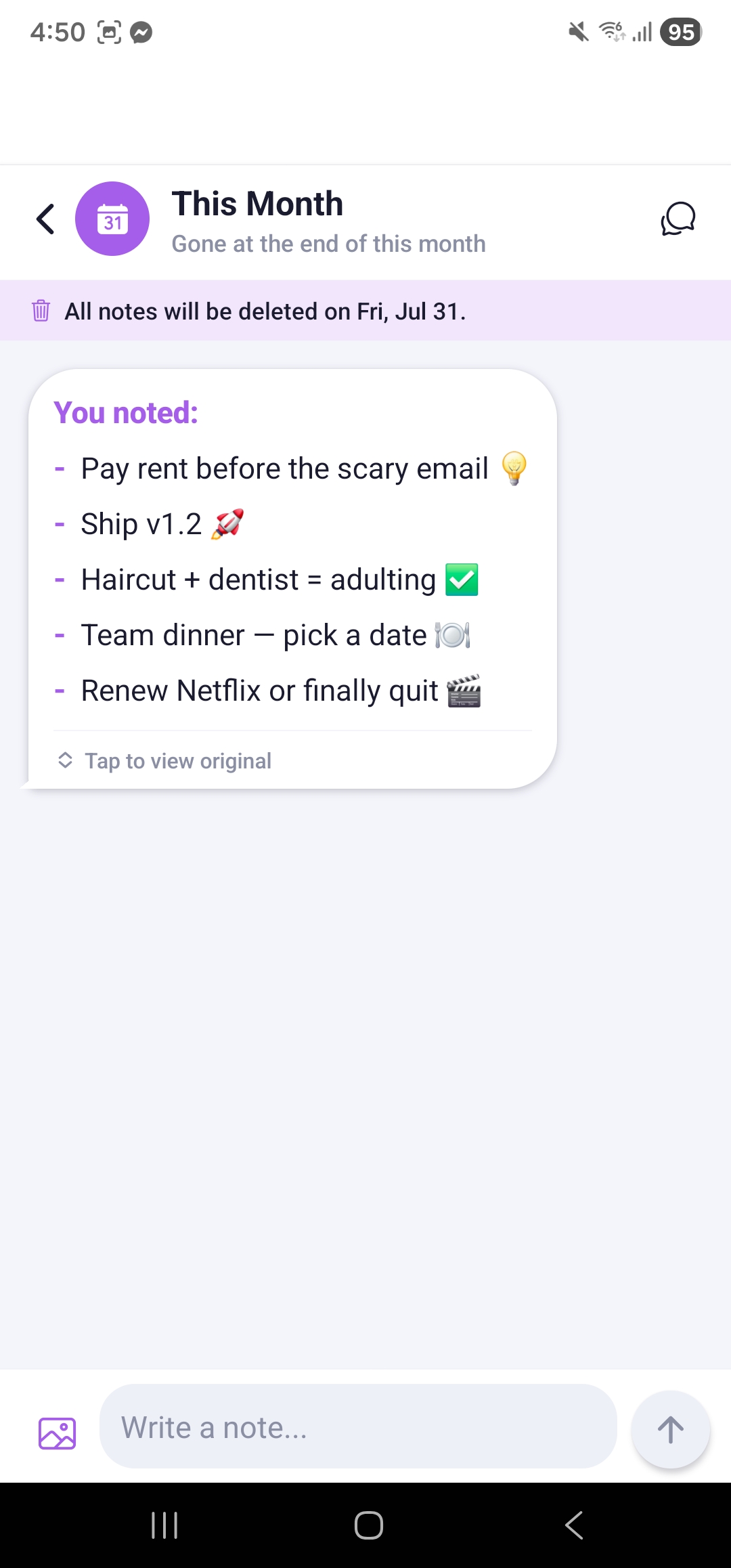
- This Month — clears at the end of the calendar month
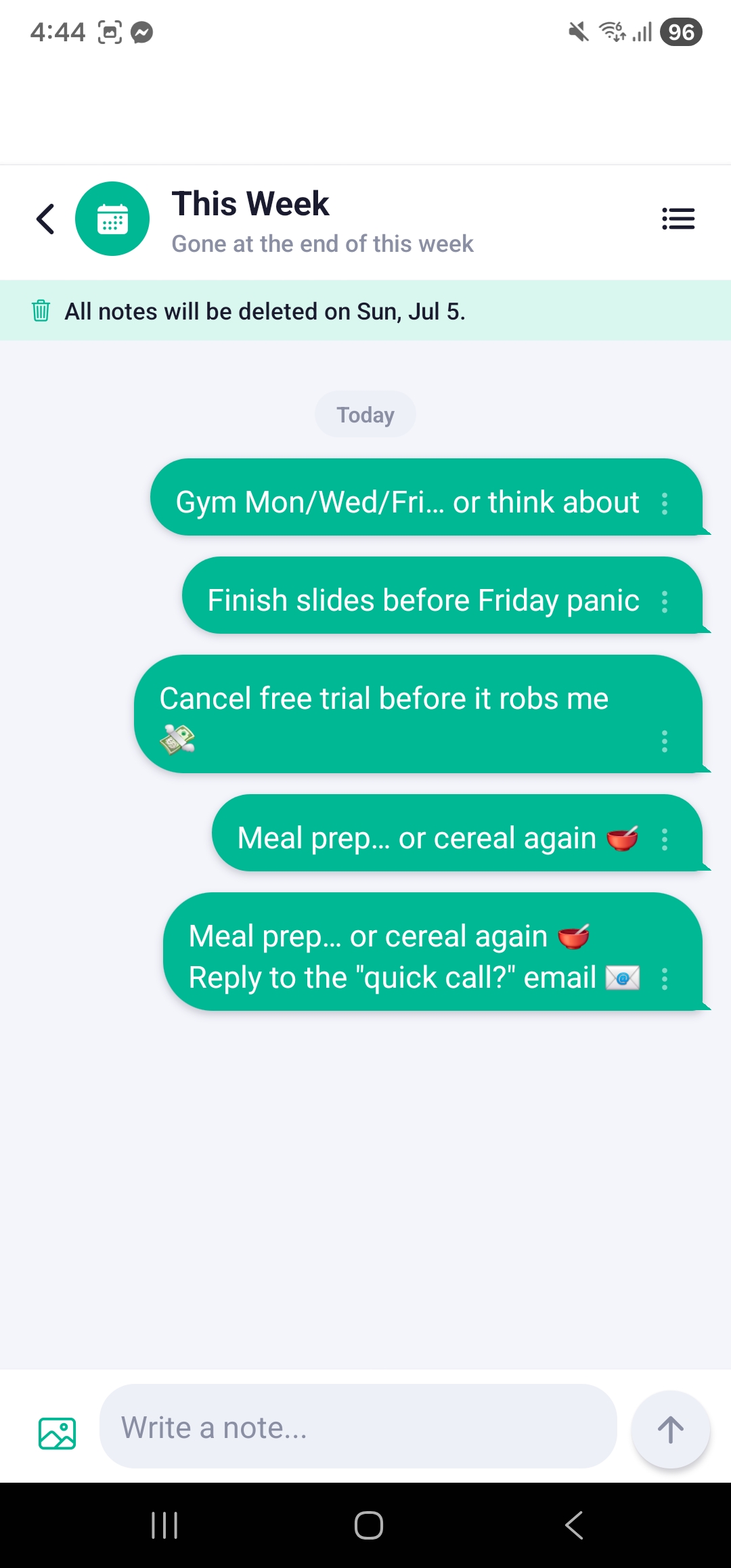
- This Week — clears at the end of the calendar week
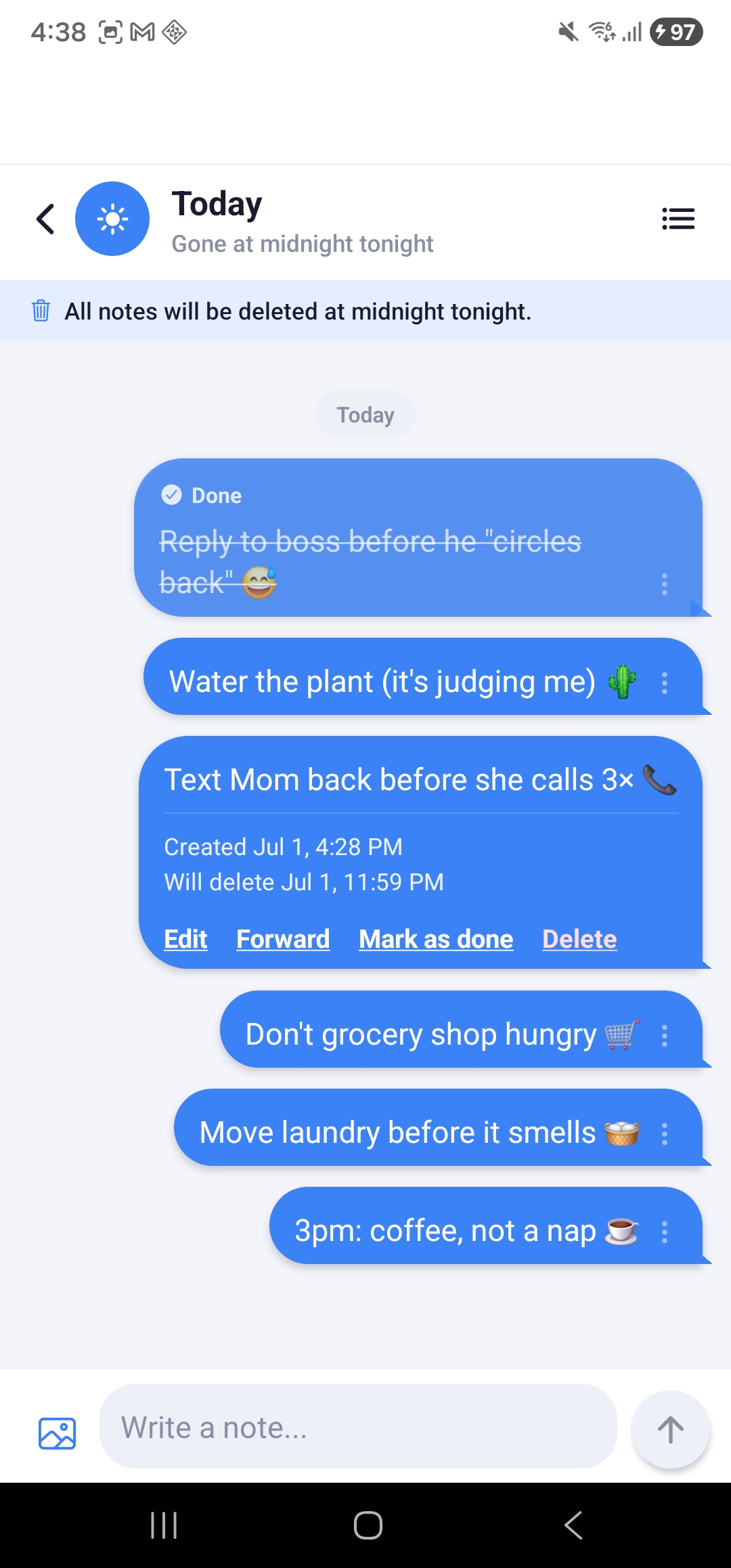
- Today — gone at midnight tonight
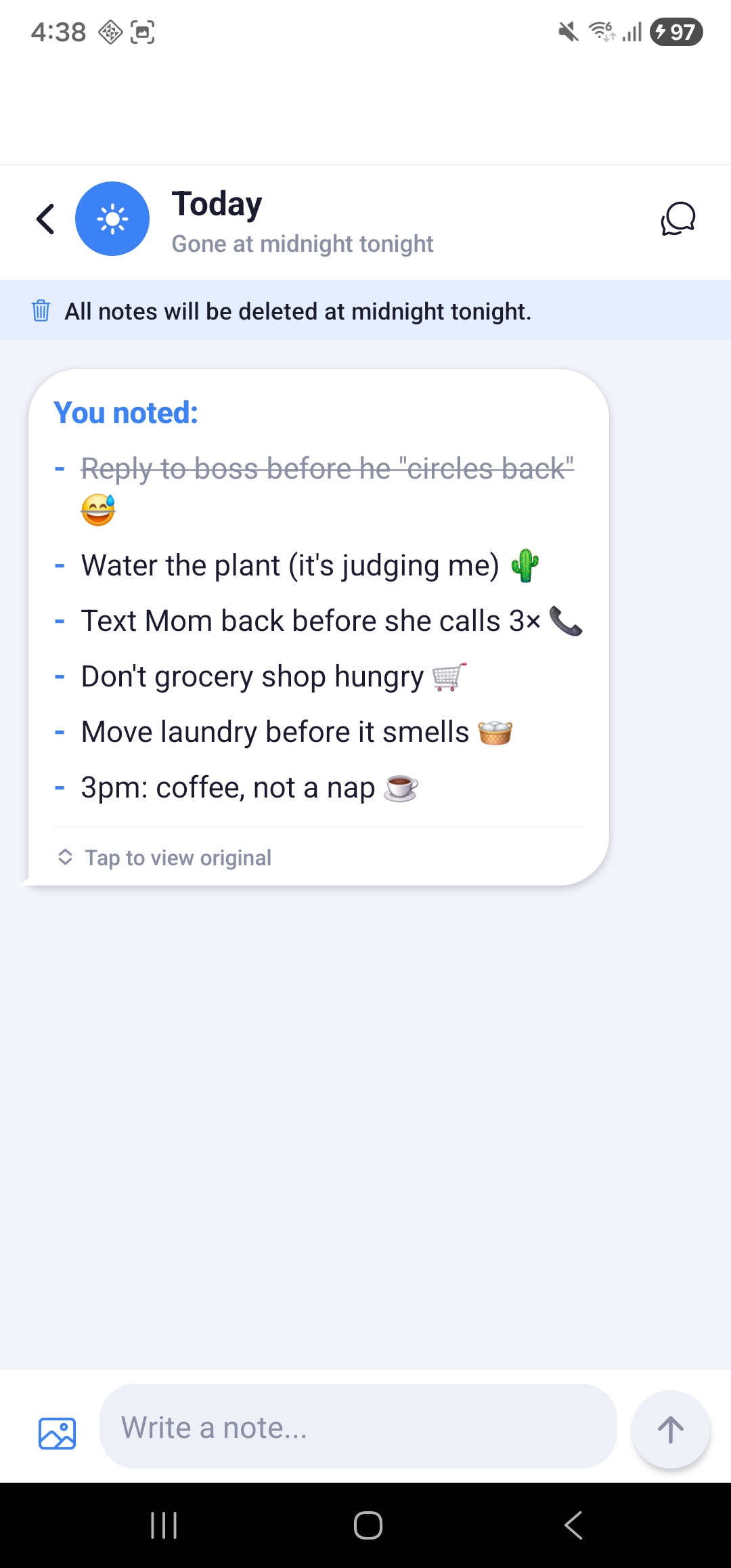
You can also create your own custom friends with the lifespan, color and icon you choose. Type and send notes like a chat, attach photos and screenshots in a single tap, and read everything at a glance — your notes fold into one clean summary you can tap to expand. When a note's time is up, it deletes itself.
Features
Notes that delete themselves
Every note vanishes when its time is up — zero cleanup.
All your notes, one glance
Everything folds into a single, tidy summary message.
Note like you're texting
Jot a thought and send it — as easy as a chat.
One tap, every option
Edit, forward, mark as done, or delete — right inline.
Pick a lifespan, not a folder
Today, This Week, 1 Month, Forever… you choose how long it lives.
100% private, no account
Works offline. Your notes never leave your phone.
Snap it, save it
Attach images in one tap and view them full-screen.
Share straight from any app
Send links, text, or photos into Bubble Note in a tap.
Nothing lost by accident
Deleted and expired notes wait 30 days in Trash.
In your language
Available in 20 languages, auto-matched to your phone.
Private by Design
Your notes are yours. Bubble Note needs no account — open the app and start writing. It works fully offline, with no internet connection required, ever. And it keeps everything on your phone — your notes and images are never uploaded, synced or shared.
No tracking. No cloud. No sign-up. Just notes that respect your privacy.
Perfect For
- Daily to-do lists that should clear themselves out
- Quick reminders you only need for a few hours or days
- Screenshots and links you'll act on soon and forget later
- Temporary thoughts you don't want cluttering a permanent notebook
- Anyone who loves a clean, empty notes app
Frequently Asked Questions
What is Bubble Note?
Bubble Note is a self-deleting notes app that works like a messenger. You send notes to time-based "friends," and each note automatically deletes itself when its lifespan ends — keeping your notes tidy with zero effort.
Do my notes really delete automatically?
Yes. Every note expires based on the friend you sent it to (for example "Today" or "1 Week"). When the time is up, the note is removed automatically. Deleted and expired notes stay in Trash for 30 days so you can recover them before they're permanently erased.
Do I need an account to use Bubble Note?
No. There's no sign-up and no login. Just open the app and start writing.
Does Bubble Note work offline?
Yes. Bubble Note works 100% offline and never needs an internet connection.
Is Bubble Note private? Where is my data stored?
Completely private. All your notes and images are stored locally on your phone. Nothing is uploaded to the cloud, synced or shared — your data never leaves your device.
Can I keep some notes forever?
Yes. Send them to the Forever friend and they'll never expire.
Can I recover a note that was deleted or expired?
Yes. Deleted and expired notes go to Trash and are kept for 30 days, where you can restore them or delete them permanently.
Can I add photos to a note?
Absolutely. Attach photos and screenshots in a single tap, and tap any image to view it full screen.
What languages does Bubble Note support?
Bubble Note is available in 20 languages and automatically matches your phone's language.
How to use it
- Pick a friend — choose a lifespan like Today, This Week, 1 Month or Forever (or create your own)
- Text your notes — type and send like a chat, attaching photos or screenshots in one tap
- Read at a glance — tap the summary to expand, then edit, forward, mark as done or delete
- Let them disappear — notes delete themselves when their time is up; recover anything from Trash within 30 days