
Screenshots
About this app
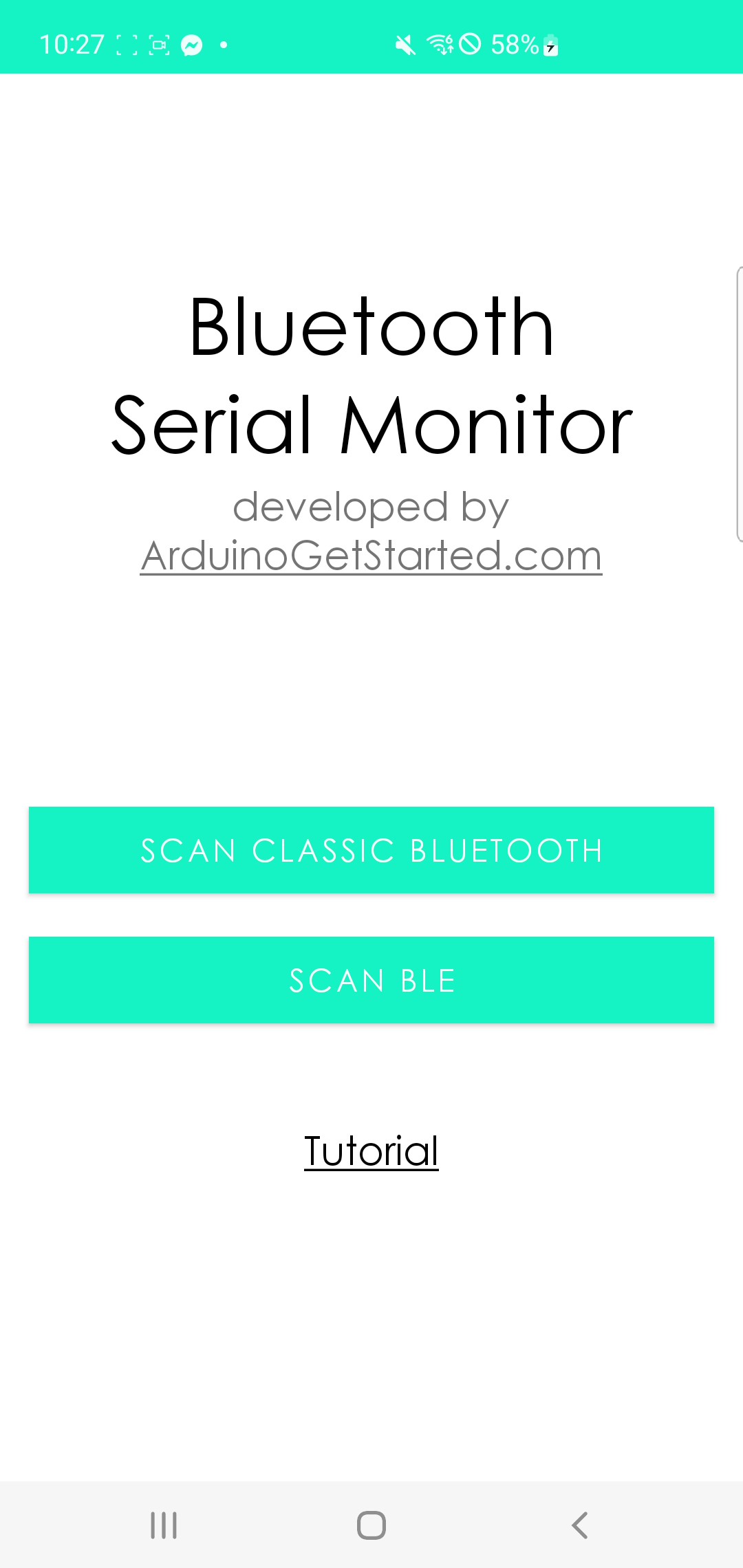
Bluetooth Serial Monitor is a handy terminal for anyone working with Bluetooth Low Energy hardware. Connect to your Arduino, ESP32 or other BLE device, then send commands and watch incoming data in real time.
It is built for makers and developers who need a quick, reliable way to test and debug projects without a laptop.
The Problem It Solves
Every embedded project starts the same way: you write some code, add Serial.println() in a few places, plug in a USB cable and watch the output.
That works beautifully on a desk. It stops working the moment the project leaves one.
A robot needs to drive around. A weather sensor goes outside. A wearable goes on a wrist. A battery-powered node sits in a cupboard. The instant your hardware has to move, the USB cable becomes the thing stopping you — and debugging blind, by watching an LED blink, is a miserable way to spend an evening.
Bluetooth Serial Monitor replaces that cable with a wireless link to the phone already in your pocket. The same println output you would have read over USB arrives on your screen, while the project is running where it is actually meant to run.
What Serial Actually Is
Serial is the oldest and most reliable debugging tool in embedded work, and it is simply sending text one character at a time over a connection.
Your microcontroller prints a line. Something on the other end displays it. That is the whole idea — and it survives because it is so simple that it almost always works, even when nothing else in your project does.
Over USB, the Arduino IDE's Serial Monitor is that other end. Over Bluetooth Low Energy, this app is. The difference is only the transport; what you see is the same stream of text, and the same two-way channel for typing commands back.
That two-way part matters. Reading output tells you what happened. Sending commands lets you change what happens — switch a mode, trigger a calibration, turn a relay on, request a sensor reading — without recompiling and reflashing every time. A project with a few simple text commands built in becomes far faster to work on.
Features
Pair and start talking
Find your device, connect, and exchange serial data straight away.
Watch it as it happens
Messages from your hardware appear in real time as they arrive.
Talk back to your project
Type a command and send it to the device without reflashing anything.
And other BLE hardware
Built for the boards makers actually use.
Readable, not a wall of noise
Output formatted so you can follow what your device is telling you.
Debug from your pocket
Quick checks wherever the project is, without carrying a computer.
Perfect For
- Arduino and ESP32 projects that need to be tested away from a desk
- Robots and moving hardware, where a USB cable is impossible
- Battery-powered and wearable devices running untethered
- Outdoor and installed sensors you cannot easily reach with a laptop
- Classrooms and workshops, where a phone per student is easier than a laptop per student
- Quick field checks — confirming an installed device is still reporting correctly
- Anyone learning BLE, who wants to see the data before writing an app
A Note on Classic Bluetooth and BLE
Worth knowing, because it is the most common source of confusion in Bluetooth projects.
Bluetooth Classic is the older standard, used by the familiar HC-05 and HC-06 modules. It behaves very much like a wireless serial cable.
Bluetooth Low Energy (BLE) is a different, newer protocol designed for devices that run on a small battery for a long time. It is what the ESP32, most modern boards and every recent phone use. Despite the shared name, BLE is not backward compatible with Classic — they are genuinely different systems.
This app is built for BLE, which is why it works with ESP32 and modern BLE hardware. It is also why iPhones can use it at all: Apple does not allow third-party apps to use Classic Bluetooth serial, so on iOS, BLE is the only route to talking to your own hardware.
Frequently Asked Questions
What is Bluetooth Serial Monitor for?
It is a serial terminal that works over Bluetooth Low Energy instead of a USB cable. You connect to your Arduino, ESP32 or other BLE device, watch the serial output live, and send commands back — all from your phone, with no laptop needed.
Which boards does it work with?
Arduino boards with BLE, the ESP32, and other Bluetooth Low Energy hardware. Your device needs to expose a BLE serial-style service, which is the standard approach in most BLE examples and libraries.
Does it work with HC-05 or HC-06 modules?
Those are Bluetooth Classic modules, which is a different protocol from BLE despite the shared name. This app is built for Bluetooth Low Energy, which is what the ESP32 and modern boards use — and, on iPhone, the only kind of Bluetooth serial that third-party apps are permitted to use at all.
Can I send commands as well as receive data?
Yes. It is a two-way terminal. Typing a command and sending it lets you change a mode, trigger an action or request a reading without recompiling and reflashing your code, which makes iterating on a project considerably faster.
Do I need an internet connection?
No. Bluetooth is a direct link between your phone and your hardware, so it works anywhere — in a workshop, a field, or a basement with no signal at all.
Is it free?
Yes, the app is free to download and use.
Which phones does it work on?
Android and iOS. Both need Bluetooth enabled, and Android additionally asks for location permission, which is a system requirement for Bluetooth scanning rather than anything the app does with your location.
How to use it
- Put your device in range and make sure it is advertising over BLE
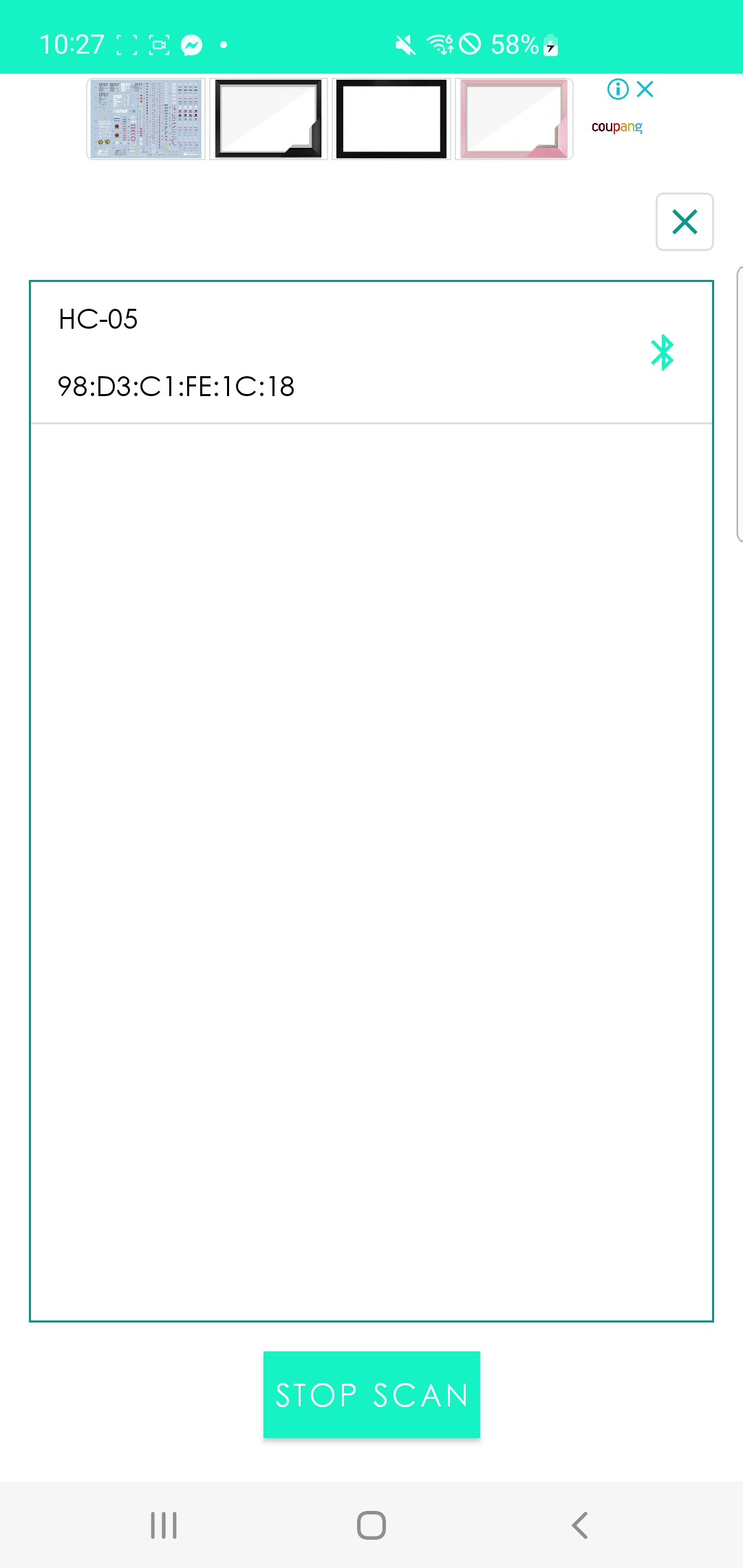
- Connect — find your device in the list and pair with it
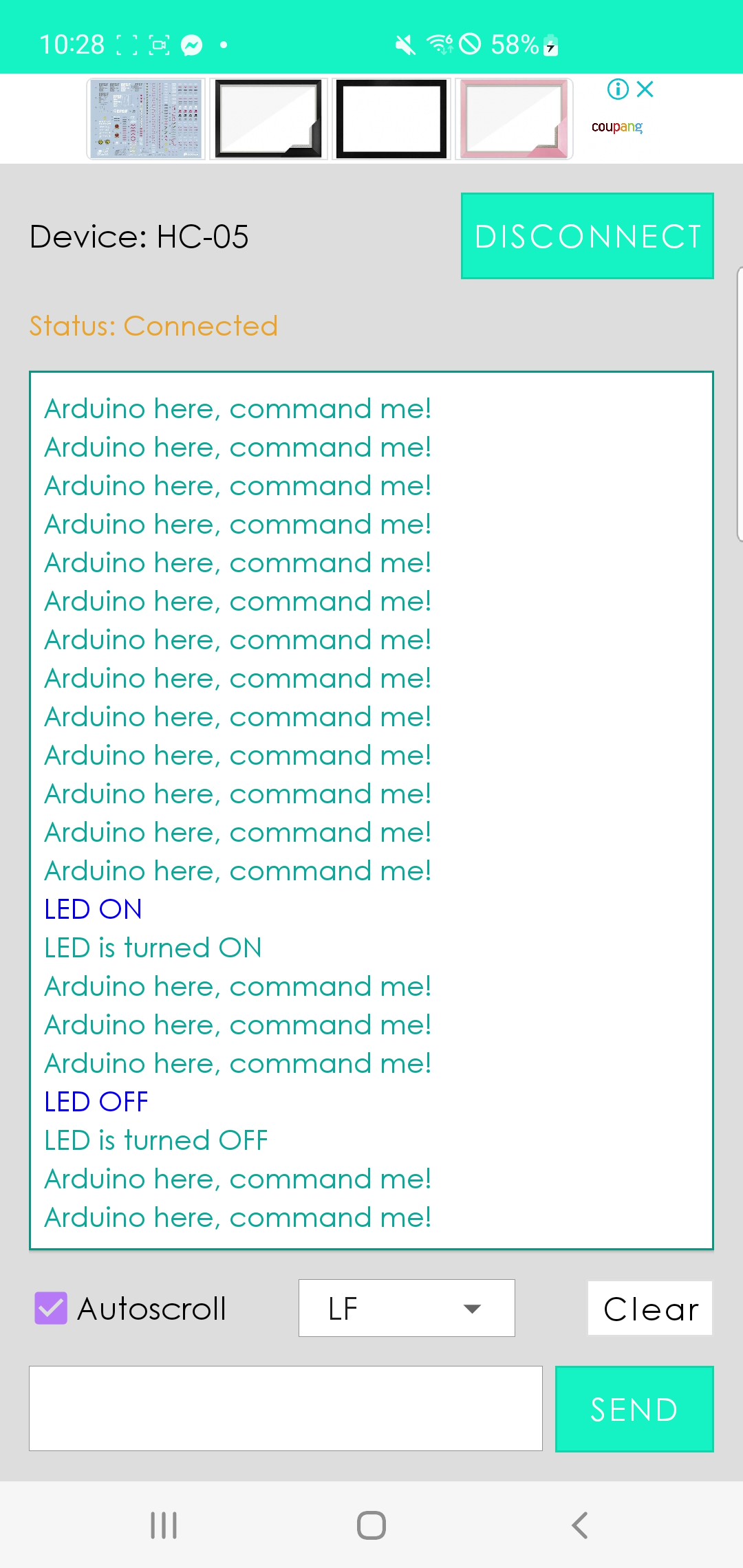
- Watch the output — incoming serial data appears live as your project runs
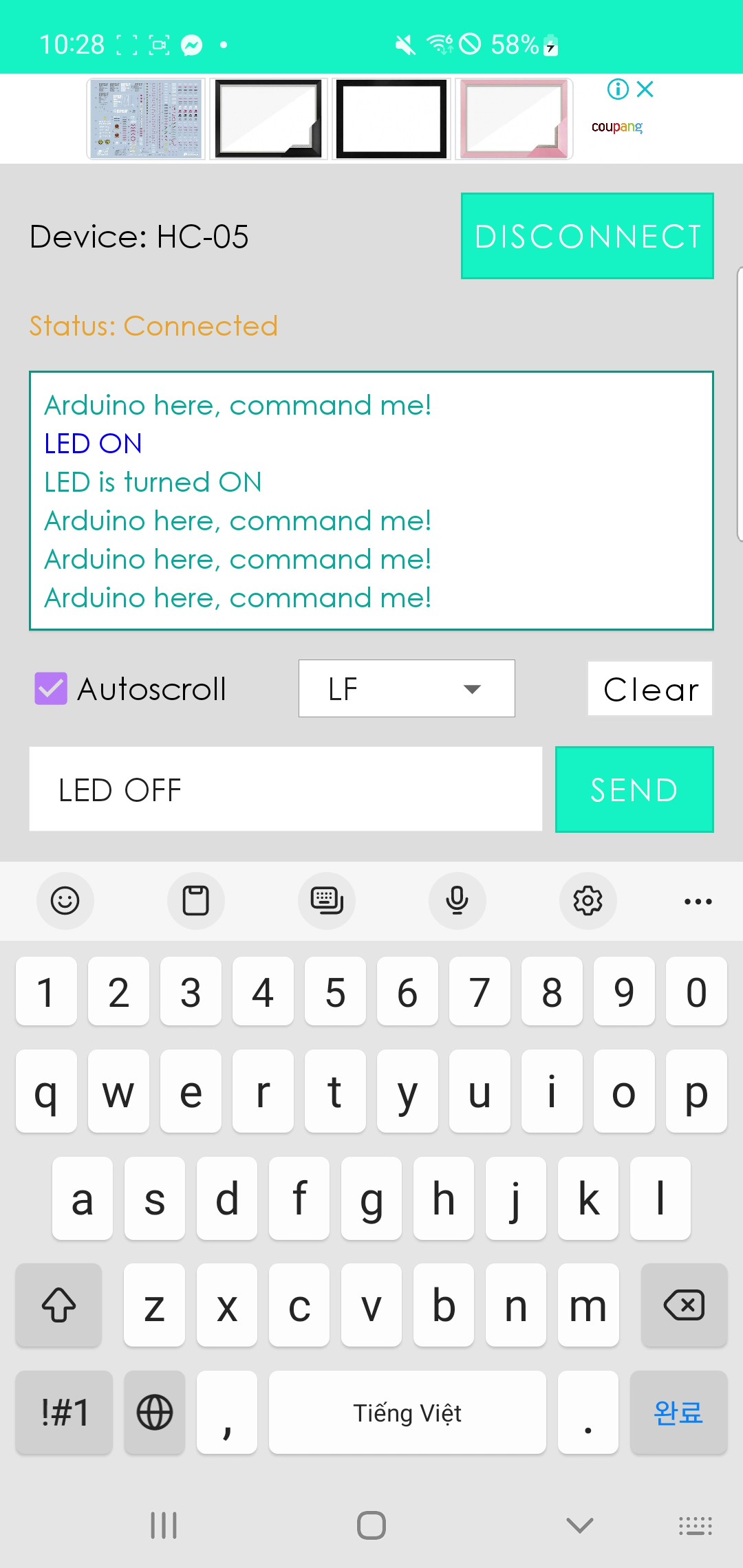
- Send commands — type and send to control the device without reflashing


